
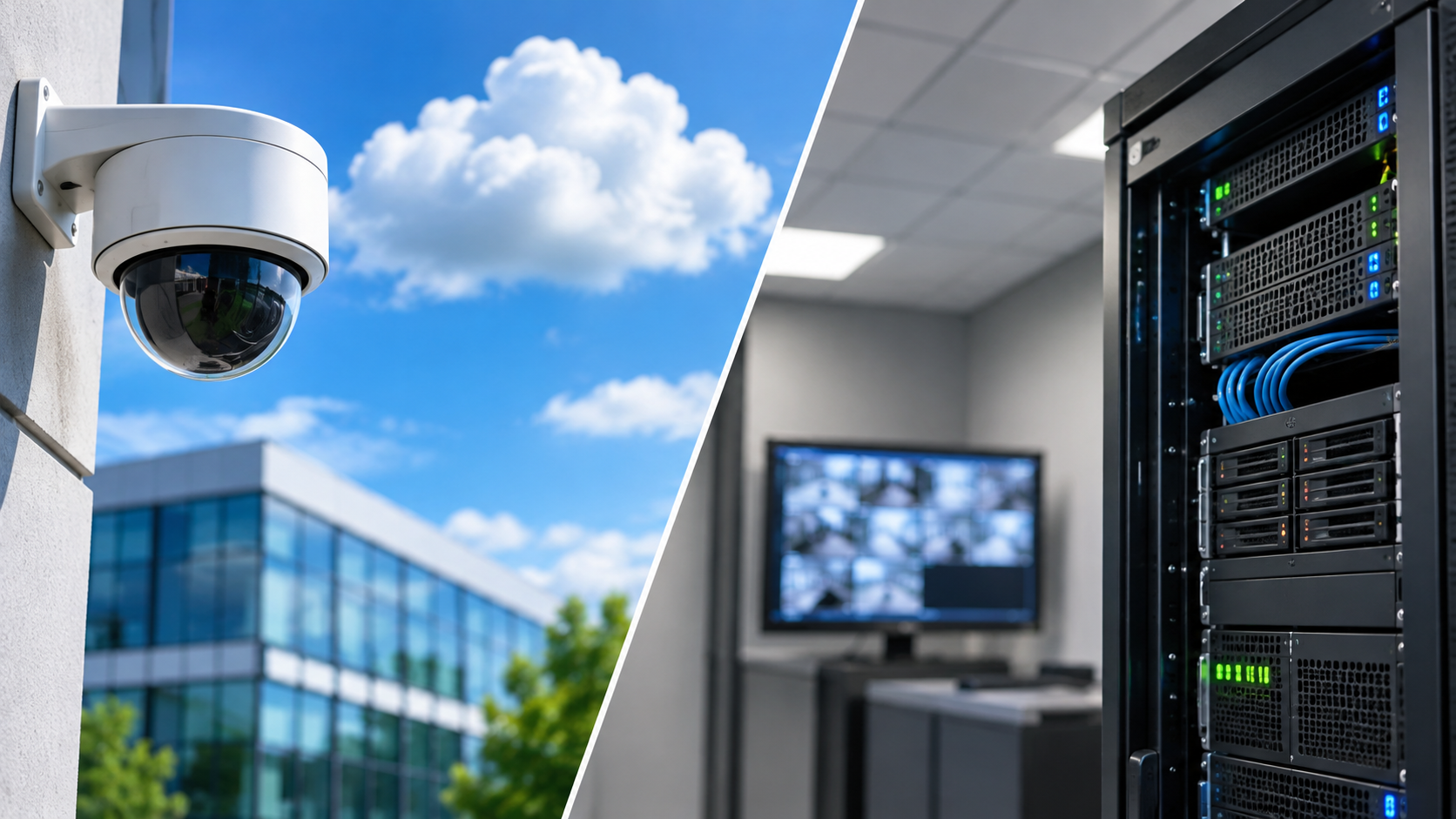
Choosing the Right Security Infrastructure for Your Commercial Facility
As commercial facilities become more connected and security technology continues to evolve, businesses have more options than ever when it comes to protecting their properties, employees, and assets. One of the most important decisions organizations face is whether to implement a cloud-based security system or maintain a traditional on-premise solution.
Both approaches offer valuable security capabilities, but they differ significantly in how they are managed, maintained, scaled, and secured.
Understanding these differences can help facility managers, property owners, and business leaders make informed decisions about their security infrastructure while planning for long-term operational needs.
At SecureConnect, we help businesses navigate these decisions by providing customized security and network solutions designed to support reliable performance, operational efficiency, and long-term protection.
What Is a Cloud-Based Security System?
A cloud-based security system uses internet-connected infrastructure and remotely hosted software to manage security operations. Depending on the solution, video footage, access control information, system configurations, and other security data may be stored or managed through secure cloud platforms.
Rather than relying entirely on servers located within a facility, cloud-based systems allow authorized personnel to access security information through web-based dashboards or mobile applications.
Common benefits of cloud-based security systems include:
Remote access to security cameras, access control systems, and monitoring dashboards
Centralized management of multiple buildings or locations
Simplified software updates and platform maintenance
Flexible expansion as facilities grow
Reduced need for certain types of on-site server infrastructure
Cloud-based solutions can be particularly beneficial for organizations managing multiple facilities, distributed teams, or expanding property portfolios.
However, these systems also require reliable network connectivity, appropriate cybersecurity safeguards, and ongoing consideration of subscription costs and data management policies.
What Is an On-Premise Security System?
An on-premise security system relies primarily on hardware, servers, and software installed and managed within a facility or an organization’s own infrastructure.
Security data, such as video recordings and access control records, is typically stored locally, allowing businesses to maintain direct control over their equipment and information.
Common benefits of on-premise security systems include:
Direct control over security infrastructure and locally stored data
Greater flexibility for certain customized configurations
Reduced dependence on external cloud services for core local operations
Compatibility with some existing or legacy security equipment
More direct oversight of system maintenance and data retention
On-premise systems are often preferred by organizations with specific infrastructure requirements, established IT departments, or internal policies governing how security data must be stored and accessed.
While these systems offer greater local control, they also place more responsibility on the organization for hardware maintenance, software updates, cybersecurity, and future system expansion.
1. System Management: Remote Convenience vs. Local Control
One of the biggest differences between cloud-based and on-premise security systems is how administrators access and manage their equipment.
Cloud-Based Security Management
Cloud-based platforms typically allow authorized users to manage security operations from virtually anywhere with an internet connection.
For businesses operating multiple locations, this can simplify daily responsibilities such as:
Reviewing surveillance footage across properties
Managing employee access permissions
Receiving security alerts and notifications
Monitoring system health and equipment status
Updating security settings from a centralized dashboard
For example, a facility manager responsible for several commercial properties may be able to oversee security activity across all locations without physically visiting each building.
On-Premise Security Management
On-premise systems generally provide management through locally hosted software or servers. Remote access may still be possible, but it often requires additional network configurations, secure remote connections, or dedicated infrastructure.
Organizations may prefer this arrangement when they want greater control over administrative access and security system configurations.
Key takeaway: Cloud-based systems often simplify remote and multi-location management, while on-premise systems provide more direct control over locally managed infrastructure.
2. Scalability: Planning for Future Growth
As businesses expand, their security requirements often change. New buildings, additional cameras, more employees, and expanded access control needs can place demands on existing systems.
Cloud-Based Systems
Cloud-based security platforms are often designed with scalability in mind.
Adding new locations, users, or compatible devices may be easier because much of the management infrastructure is hosted remotely.
This flexibility can be especially valuable for:
Multi-location retail operations
Commercial real estate portfolios
Corporate offices
Warehouses and distribution centers
Growing businesses with changing security requirements
However, expansion may increase subscription costs, bandwidth demands, and cloud storage requirements.
On-Premise Systems
Expanding an on-premise system may require additional servers, storage devices, software licenses, and network equipment.
For organizations with existing infrastructure, this approach can still be practical. However, capacity planning becomes important to ensure the system can accommodate future growth.
Key takeaway: Cloud-based solutions often offer more convenient expansion, while on-premise systems may require additional infrastructure investments as security needs increase.
3. Infrastructure Requirements: Understanding the Hardware
The infrastructure supporting a security system directly impacts installation requirements, ongoing costs, and maintenance responsibilities.
Cloud-Based Infrastructure
Cloud-based systems generally reduce the need for locally hosted management servers, but they do not eliminate the need for physical equipment.
Businesses may still require:
Security cameras and access control hardware
Reliable internet connectivity
Network switches and structured cabling
Appropriate network bandwidth
Backup power and connectivity solutions
Local storage or edge devices, depending on the platform
Internet reliability is particularly important. While some cloud-connected systems can continue recording or performing certain functions during an outage, those capabilities depend on the equipment and system configuration.
On-Premise Infrastructure
On-premise systems typically require more locally managed technology, including:
Dedicated servers or network video recorders
Local data storage equipment
Security software and management workstations
Network infrastructure and cabling
Backup power systems
Physical space for equipment installation
Organizations must also consider equipment replacement cycles, storage capacity, and environmental conditions affecting server performance.
Key takeaway: Cloud-based systems can reduce local server requirements, while on-premise systems require more direct investment in physical infrastructure.
4. Cybersecurity: Protecting Your Security Network
Regardless of where security data is stored, cybersecurity should be a major consideration when selecting a system.
Security cameras, access control devices, and connected monitoring equipment are all part of a facility’s broader technology environment. Without proper safeguards, these devices can introduce vulnerabilities.
Cloud-Based Cybersecurity Considerations
Cloud security platforms may offer features such as encrypted communications, multifactor authentication, centralized security updates, and detailed user permissions.
However, organizations should carefully evaluate:
Cloud provider security practices
Data encryption and storage policies
User authentication and access controls
Third-party integrations
Data ownership and retention requirements
Procedures for responding to security incidents
Cloud-based systems operate under a shared responsibility model. While providers manage portions of the infrastructure, businesses remain responsible for properly configuring access permissions, protecting credentials, and following security best practices.
On-Premise Cybersecurity Considerations
With an on-premise system, the organization typically assumes greater responsibility for protecting its security infrastructure.
This includes:
Installing software and firmware updates
Securing local servers and network equipment
Managing user accounts and permissions
Implementing network segmentation
Maintaining secure backup procedures
Monitoring systems for potential vulnerabilities
An on-premise system is not automatically more secure simply because its data is stored locally. Security depends on proper configuration, maintenance, monitoring, and organizational practices.
Key takeaway: Both cloud-based and on-premise security systems can provide strong protection when properly designed and maintained. The most effective choice depends on the organization’s cybersecurity capabilities, policies, and risk requirements.
5. Ongoing Maintenance: Who Manages the System?
Security systems require ongoing attention to maintain dependable performance.
While cloud-based and on-premise platforms differ in their maintenance responsibilities, neither approach is completely maintenance-free.
Maintaining Cloud-Based Security Systems
Cloud providers commonly manage portions of the software infrastructure, including platform updates and server maintenance.
This can reduce the workload for internal IT teams.
However, businesses must still maintain physical devices, network connections, access permissions, and equipment configurations.
Ongoing subscription fees should also be considered when evaluating long-term costs.
Maintaining On-Premise Security Systems
On-premise systems generally require more hands-on infrastructure management.
Maintenance responsibilities may include:
Server and storage equipment inspections
Software and firmware updates
Hardware repairs and replacements
Data backup management
Network performance monitoring
Security vulnerability assessments
Without a proactive maintenance strategy, aging equipment and outdated software can increase the likelihood of system interruptions or security gaps.
Key takeaway: Cloud-based platforms may reduce certain administrative maintenance responsibilities, while on-premise systems require more direct oversight of locally hosted infrastructure.
Cloud-Based vs. On-Premise Security Systems: A Side-by-Side Comparison
| Feature | Cloud-Based Security | On-Premise Security |
|---|---|---|
| System Management | Remote, centralized management | Locally hosted management |
| Scalability | Often easier to expand | May require additional hardware |
| Infrastructure | Reduced local server requirements | Greater on-site infrastructure |
| Remote Access | Typically built into the platform | May require additional configuration |
| Cybersecurity | Shared responsibility with provider | Primarily managed internally |
| Software Updates | Often managed by cloud provider | Typically managed by organization |
| Maintenance | Provider-managed platform with local device upkeep | Local hardware and software upkeep |
| Cost Structure | Often recurring subscriptions | Often higher upfront infrastructure investment |
| Data Storage | Cloud, local, or hybrid depending on platform | Primarily local storage |
Is a Hybrid Security System the Right Solution?
For some organizations, the best approach isn’t choosing exclusively between cloud-based and on-premise security.
A hybrid security system combines elements of both technologies, allowing businesses to benefit from centralized cloud management while retaining certain local capabilities.
For example, a hybrid system may store surveillance footage locally while providing cloud-based access to live video, alerts, or administrative controls.
This approach can be beneficial for organizations that want:
Remote management capabilities
Local video storage or recording
Flexibility when integrating existing equipment
Greater control over certain data
A gradual transition from legacy security infrastructure
Hybrid solutions can offer flexibility, but they also require careful planning to ensure compatibility, cybersecurity, and reliable system performance.
How to Choose the Right Security System for Your Business
There is no universal solution that works for every commercial facility.
The right security infrastructure depends on the organization’s size, operational requirements, existing equipment, and long-term objectives.
Before making a decision, facility managers should consider several important questions:
How many locations need to be managed? Organizations overseeing multiple properties may benefit from centralized cloud management.
What existing infrastructure is available? Current cameras, servers, and network equipment may influence the most practical solution.
What are the cybersecurity and compliance requirements? Data storage, access controls, and industry-specific obligations should be evaluated.
How reliable is the facility’s internet connectivity? Network performance and outage planning are important considerations for cloud-connected systems.
What is the long-term budget? Consider installation, subscriptions, maintenance, equipment replacement, and future expansion.
Who will maintain the system? Internal IT resources and available service support can influence which approach is most manageable.
A professional security assessment can help identify operational needs, existing vulnerabilities, and opportunities to improve system performance before investing in new technology.
Secure Your Facility with the Right Technology
Choosing between cloud-based and on-premise security systems involves more than selecting where your data will be stored. It’s about building a dependable security infrastructure that supports your operations today while preparing for future growth.
At SecureConnect, we understand that every facility has unique security requirements. Our team provides comprehensive security assessments, technology installation, system programming and integration, network infrastructure solutions, and ongoing preventative maintenance to help businesses maintain reliable security operations.
Whether you’re upgrading an existing system, expanding to additional locations, or exploring cloud-based security technology, SecureConnect can help you evaluate your options and develop a solution aligned with your facility’s needs.
Ready to strengthen your commercial security infrastructure?
Contact SecureConnect today to learn how our customized security and network solutions can help protect your people, property, and assets.


